Education
Business
Consumer
a businesswoman gives a presentationa businesswoman gives a presentation

Digital Whiteboarding and Collaboration
ViewBoard® Interactive Displays

ViewSonic’s ViewBoard interactive displays provide the ultimate digital whiteboard solution and seamless collaboration at your fingertips. With interactive touch capabilities and content sharing, these displays enhance presentations, brainstorming sessions, and decision-making processes.

Award-Winning Interactive Displays

IFPG1IFPG1

IFPG1 Series
Secure OS-less touchscreen  customizable
via external PC or OPS module.
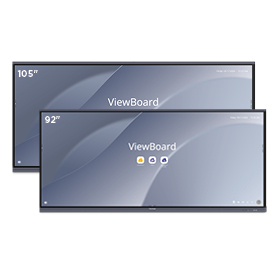
IFP105SIFP105S

IFPUW Series
Ultrawide touchscreen with 21:9 aspect ratio available in 92" and 105” sizes.

IFP62IFP62

IFP62 Series
State-of-the-art projected
capacitive touchscreen.
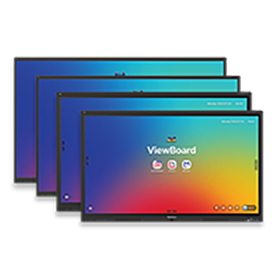
IFP41 SeriesIFP41 Series

IFP41 Series
Ultra-fine touchscreen
in a variety of sizes with great value. 

IFP52IFP52

IFP52 Series
High-accuracy touchscreen with
beamforming microphone and
front-facing soundbar.
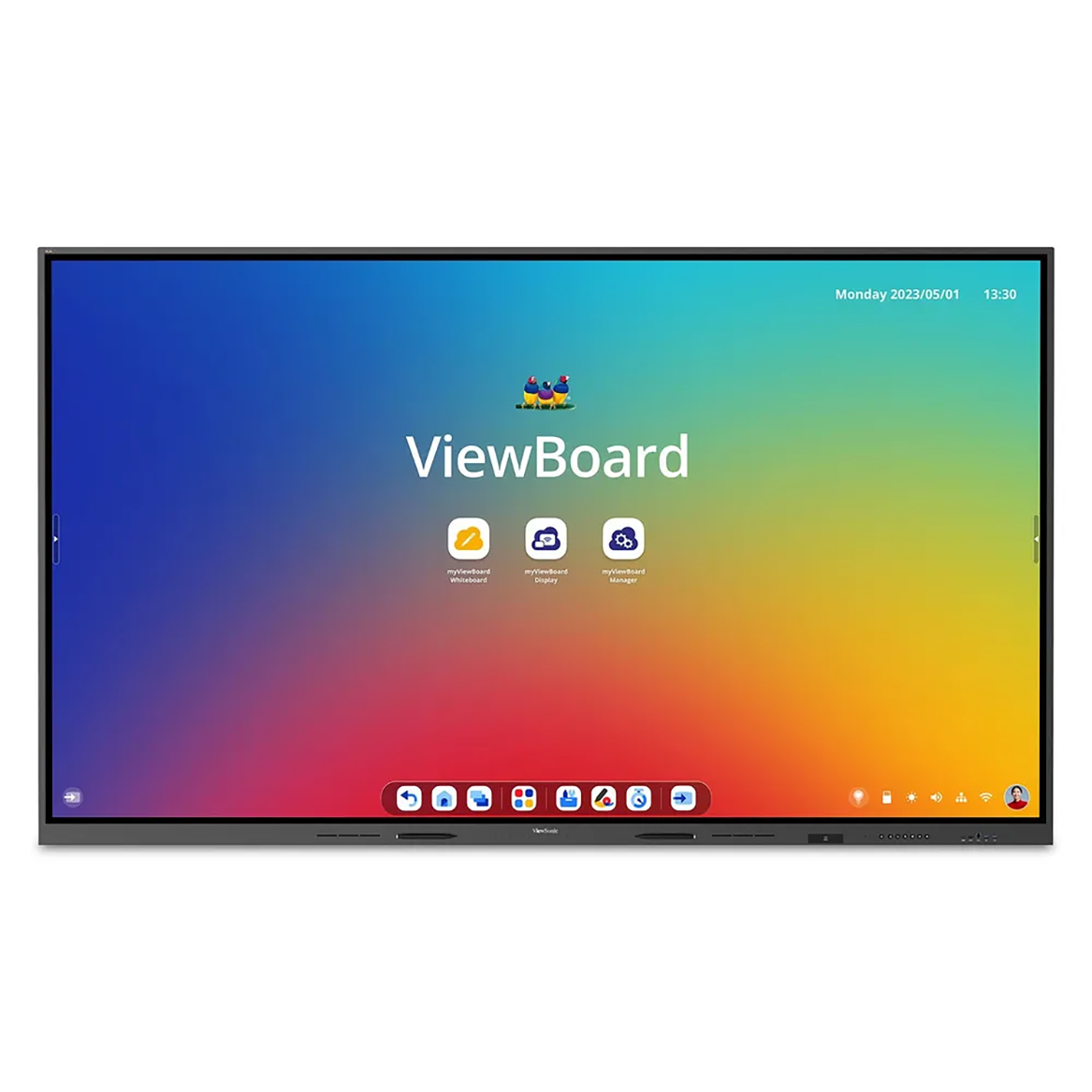
IFP52IFP52

IFP110
110" 4K ViewBoard interactive display with integrated microphone and USB-C

Award-Winning Interactive Displays


IFPG1IFPG1

IFPG1 Series
Customizable touchscreen
via external PC or OPS module.

IFP105SIFP105S

IFP105S
Ultra-wide 105” touchscreen
with 21:9 aspect ratio.

IFP62IFP62

IFP62 Series
State-of-the-art projected
capacitive touchscreen.

IFP50IFP50

IFP50 Series
Ultra-fine touchscreen
in a variety of sizes.

IFP52IFP52

IFP52 Series
High-accuracy touchscreen with
beamforming microphone and
front-facing soundbar.

a team in a conference rooma team in a conference room

Complete Portfolio for Any Conference Room

Available in form factors ranging from 55” to 105” with high resolutions, versatile touch technologies and a variety of compute designs, ViewBoard interactive displays provide multiple options that are easily adaptable to modern day conference room needs.

Intuitive and Ultra-Responsive Touchscreens

Step up to the premium standard of touch capabilities. Select displays feature advanced PCAP technology so you get the same smooth, lightning-fast response you expect from your smartphone. Multiple people can jump in to write or draw at once using a stylus or just their fingers. It's the ultimate way to boost teamwork, deliver engaging presentations and speed up your workflow.

a team huddled around a viewboard displaya team huddled around a viewboard display
two people in a conference call with the aid of a viewboard displaytwo people in a conference call with the aid of a viewboard display

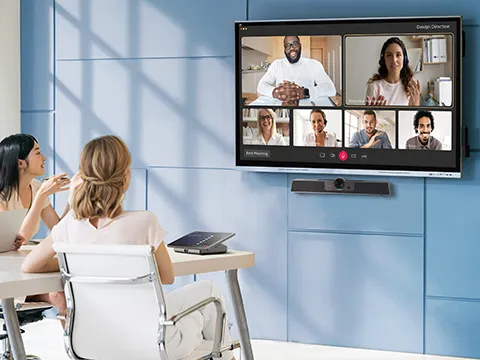
TeamJoin™ Solutions Certified for Microsoft Teams Rooms

Our computing engine, touch console and conference camera are all Microsoft Teams Rooms certified, and can be easily combined with any ViewBoard interactive display for a comprehensive Microsoft Teams Rooms experience.

two people using the touch capabilities of a viewboard displaytwo people using the touch capabilities of a viewboard display

ViewSonic TeamOne™ Software

Maximize your meeting space with ViewSonic TeamOne™. This intuitive digital whiteboarding software is the perfect in-room collaboration solution for our interactive displays. It's exactly what you need to boost productivity in any meeting environment. Just tap and start creating..

Device Management

ViewSonic Manager™ is a cloud-based management solution that empowers IT administrators to remotely monitor devices, manage apps, push out broadcasts and more within the myViewBoard® ecosystem. Manager lets IT administrators seamlessly monitor and maintain individual displays across large organizations from a single control panel.

a man connecting a computer to a viewboard displaya man connecting a computer to a viewboard display
a team collaborating in front of a viewboard displaya team collaborating in front of a viewboard display

Customize Your ViewBoard

With a few simple add-ons, your ViewBoard display can do much, much more. Optimize your ViewBoard display and boost meeting collaboration with accessories ranging from webcams, mobile carts, slot-in PCs and more.

Seamless IT and AV Integration

We designed these displays to work with the control systems you already use. They integrate into the Q-SYS Ecosystem via a QSYS LIBRARY VERIFIED plugin. They are also compatible with Crestron, Extron, and AMX.

This broad compatibility lets your IT team manage key functions like power, volume, and inputs from one central spot. You get a simple setup that makes it easy to expand your system whenever you’re ready.

a man connecting a computer to a viewboard displaya man connecting a computer to a viewboard display

Frequently Asked Questions

What is an interactive flat panel for enterprise use?

An interactive flat panel (also known as ˝interactive display˛, ˝interactive whiteboard˛, ˝digital whiteboard˛, or ˝IFP˛) is a powerful touchscreen display built for business. A ViewBoard is a 4K interactive flat panel that combines a pro-grade touchscreen with built-in computing and software. Think of it as a traditional whiteboard and a full computer combined into one seamless device. It replaces static whiteboards and outdated projectors to help your team collaborate securely in any corporate space.

How is a ViewBoard different from a standard TV or projector?

Standard conference room displays only show information. An enterprise interactive flat panel lets you actively work with your team and interact with your content. You can write directly on the screen, move objects around and annotate over presentations in real time. Our ViewBoards are built for 16/7 commercial use and feature highly durable 9H tempered glass. You get crystal-clear 4K video in any lighting. Plus, you do not need to worry about the regular maintenance of replacing projector bulbs and cleaning dusty filters for an installed LCD projector for an installed LCD projector.

What are the benefits of using an interactive flat panel in meeting rooms?

Interactive flat panels bring your meetings to life. The intuitive touch experience drives active participation and speeds up decision making. You get the familiar feel of a traditional whiteboard combined with the immense power of a computer. It is incredibly easy to use and provides a strong return on investment by making every meeting more productive.

What touch technologies do your displays offer?

We offer two main options to fit your professional needs.

  • Infrared (IR): This gives you a natural writing feel with up to 64 points of touch.
  • Projected Capacitive (PCAP): Available on our premium models to give you a sleek edge-to-edge glass design. PCAP delivers the exact same precision you get on your smartphone. It includes palm rejection and is perfect for executive boardrooms or design-heavy workflows.

How does the single-cable USB-C solution work?

One USB-C cable handles your 4K video, high-fidelity audio and touch data. It also provides up to 100W of power. You'll connect and charge your laptop at the exact same time. It's true plug-and-play simplicity.

What software comes with the displays?

You get access to a complete software ecosystem designed to make meetings better.

  • ViewSonic TeamOne: This intuitive software gives you an infinite digital whiteboarding canvas. It is perfect for secure real-time collaboration and in-room productivity.
  • ViewSonic Manager: This cloud-based platform lets IT teams centrally manage firmware updates, schedule power cycles and broadcast emergency alerts to a global fleet of displays.
  • AirSync: Wirelessly mirror your screen from any device to one or more of your larger meeting room displays.

Can employees present wirelessly from their own devices?

Yes, presenting from personal devices is incredibly simple. We provide two easy options for secure screen sharing.

  • AirSync: This built-in app lets you wirelessly mirror your screen from any device. It is highly secure with options for local network connection requirements, passwords and approval steps. Guests can quickly connect using browser casting, Apple AirPlay or Google Cast. You also get advanced tools like split screen, panel grouping, touchback and moderator mode.
  • WPD-900: Prefer a physical button? The ViewSonic® ViewShareTM WPD-900 wireless presentation system makes this possible with a true plug-and-play experience. Just plug it in, and youˇre ready to present in seconds with no Wi-Fi network needed.

Can employees present wirelessly from their own devices?

Yes, presenting from personal devices is incredibly simple. We provide two easy options for secure screen sharing.

  • AirSync: This built-in app lets you wirelessly mirror your screen from any device. It is highly secure with options for local network connection requirements, passwords and approval steps. Guests can quickly connect using browser casting, Apple AirPlay or Google Cast. You also get advanced tools like split screen, panel grouping, touchback and moderator mode.
  • WPD-900: Prefer a physical button? The ViewSonic® ViewShareTM WPD-900 wireless presentation system makes this possible with a true plug-and-play experience. Just plug it in, and youˇre ready to present in seconds with no Wi-Fi network needed.

What are the use cases for interactive flat panels in a corporate environment?

Our interactive flat panels are incredibly versatile. You can use them across your entire organization to boost teamwork and communication. (Here are a few ways businesses use them every day:

  • Boardrooms: Deliver high-stakes executive presentations with confidence.
  • Conference and meeting rooms: Host hybrid meetings and collaborate on projects in real time.
  • Huddle spaces: Jump into quick brainstorming sessions with smaller groups.
  • Training and situation rooms: Break down complex topics visually or manage critical operations.
  • Warehouse or production floors: Display live logistics data and engage your frontline teams for on-the-spot problem solving.

Are interactive flat panels suitable for hybrid meetings?

Yes, they are an essential tool for hybrid work. Interactive flat panels bridge the gap between remote and in-office employees. Our displays work seamlessly with your favorite video conferencing tools. We even offer ultrawide 92˛ and 105˛ models. These feature a 21:9 aspect ratio optimized for Microsoft Teams Rooms "Front Row" layouts. This ensures everyone feels like they are in the exact same room.

What screen sizes are available?

We offer standard ViewBoards in 55", 65", 75", 86", 98", 92", 105" and 110" sizes.

What should IT teams look for when evaluating an interactive display?

IT decision makers need to focus on security, manageability and easy integration. Look for displays with enterprise-grade security like our Google EDLA-certified models. These offer native access to the Google Play Store and official app compatibility. You also need a robust device management platform. ViewSonic Manager empowers your IT team to monitor and control devices remotely. This ensures your devices run efficiently and saves your company valuable time and money.
